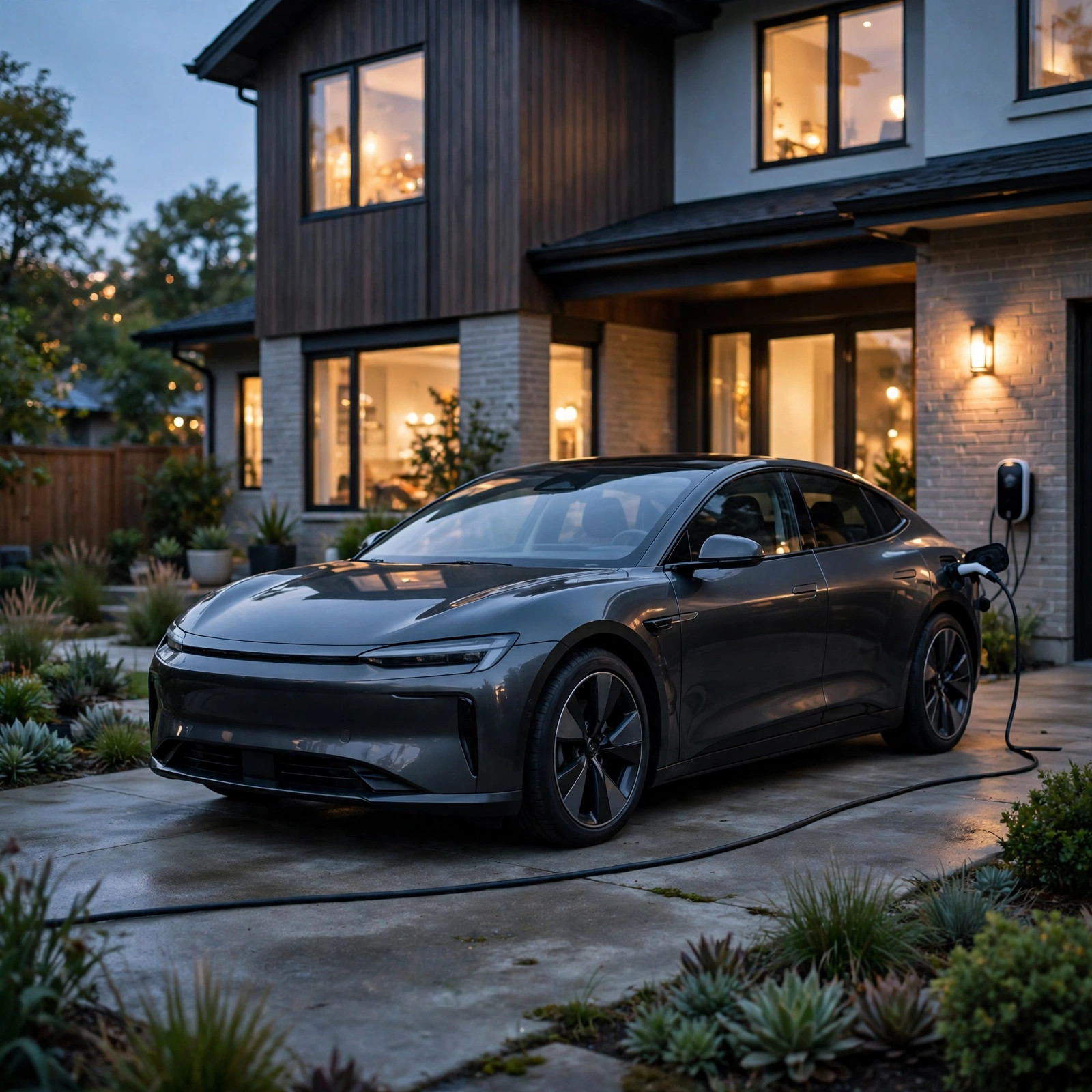
Hi, this is Datumdraft. You park your car at night, tap “Install Update” on the dashboard, and see a warning that the process takes 45 minutes. A quiet worry creeps in: what happens if the battery dies or the signal drops before morning? Two-ton vehicles do not have a simple reboot button. Yet modern automotive OTA updates keep your car safe overnight, using hardware safety nets built directly into memory chips.
At a Glance
- Modern automotive OTA updates prevent bricking by writing new firmware to an isolated backup memory partition first.
- If power drops or verification fails, the bootloader automatically rolls back to the intact previous version.
- Hardware-backed cryptographic signatures block corrupted or unauthorized code before the ECU ever executes it.
- Update scope varies widely by platform, ranging from full powertrain tuning to infotainment-only updates requiring subscriptions.
Why Doesn’t a Failed Automotive OTA Update Leave You Stranded?
A failed wireless car update will not brick your vehicle because engineers never overwrite your active driving software directly. Instead of swapping wheels on a moving train, modern cars build a brand-new train on a parallel track and only move passengers across after every safety check passes.
In vehicle electronics, this parallel track design uses dual-bank flash memory split into two identical sections called A/B partitions. Your car runs normally on the active section (Bank A) while downloading and writing new software into the inactive backup section (Bank B). Even if the process stalls halfway through, Bank A remains completely untouched and ready to drive.
Each electronic control unit (ECU), which is a small onboard computer that manages specific car functions, holds two full bootable copies of its software. While you drive to work, the car quietly prepares the update in the background on Bank B. Once you park, the system verifies the new code before switching the startup pointer from Bank A to Bank B.
If a glitch corrupts the new file or the power cuts out mid-switch, the bootloader steps in immediately. The bootloader is the tiny startup program that wakes up a computer chip before the main software loads. It detects the error, cancels the switch, and performs an automatic rollback to Bank A so you can drive away without calling a tow truck.
This fail-safe behavior is not just good engineering practice. Under UN R156, the international vehicle software update regulation that entered into force in January 2021, automakers must prove their cars can recover safely from any failed update. Section 7.2.2 of UN R156 requires vehicles to either restore the previous working software version or place the car into a safe state whenever an over-the-air update fails.
Compliance with these rules ties closely to broader vehicle protection frameworks like automotive cybersecurity UN R155 standards. Together, these regulations ensure that wireless convenience never compromises basic mechanical safety on public roads.
What Four Hidden Bodyguards Inspect Every Update Package?
Before a single byte of new code reaches your car’s active memory, four hardware and software checkpoints interrogate the file to block tampering, wasted data, and sudden power loss. Think of an over-the-air package arriving at your car like a traveler entering an airport terminal. Strict passport officers and smart conveyor belts stop bad luggage before it ever boards a plane.
First, the car checks the package’s digital passport using bootloader signature verification. Every authentic update carries a cryptographic signature created by the automaker’s private server key. Inside the car, a tamper-resistant chip called a Hardware Security Module (HSM) stores the matching public key and verifies the signature before allowing installation. If a hacker alters even one character of code, the signature check fails and the chip rejects the file instantly.
Second, engineers shrink download sizes through delta updates so your car does not waste hours pulling massive files over cellular networks. Rather than sending an entire multi-gigabyte software image, the server compares the old and new versions and sends only the changed lines of code. This compact patch cuts download times and reduces stress on wireless connections.
Third, power gating and block-level resume protect the installation against sudden battery dips or interrupted connections. Under UN R156 rules, the vehicle checks battery voltage and state of charge first. It refuses to start unless enough energy remains to finish the install and run a rollback if needed. If power still cuts out unexpectedly, the memory controller saves checkpoints and resumes writing from the last verified data block instead of starting over from zero.
Fourth, the vehicle enforces defined flash time windows and tracks legal software states using an identifier called RXSWIN. The car only writes to critical control units when parked safely with the transmission locked and no driving commands active. Once finished, the system updates its RXSWIN. RXSWIN stands for Regulation X Software Identification Number. It links the installed software to government type-approval records, not to a casual version number.
Behind the scenes, automakers manage these four checkpoints through a certified Software Update Management System (SUMS). Many follow the voluntary engineering guidelines in ISO 24089:2023, including Amendment 1 from July 2024. On modern vehicle computers, software containers running on AUTOSAR Adaptive middleware help isolate these updates cleanly across different applications without disturbing core safety functions.
Why Don’t Automotive OTA Updates Mean the Same Thing Across Car Brands?
Seeing an over-the-air update badge on a window sticker does not mean your car can upgrade its brakes, battery charging speed, or driver-assistance sensors from your driveway. In smartphones, changing your wallpaper and app icons is very different from upgrading the core operating system kernel. Cars split updates along that exact same line.
Automakers divide wireless updates into two distinct tiers: SOTA (Software Over-the-Air) and FOTA (Firmware Over-the-Air). SOTA updates refresh surface-level features such as navigation maps, voice assistants, and dashboard menus. FOTA updates go much deeper, rewriting the low-level embedded code inside controllers that manage battery thermal limits, electric motors, steering, and braking.
Tesla built its entire vehicle electronics layout around deep FOTA and SOTA integration from day one. A Tesla downloads packages in the background over Wi-Fi and installs them while parked, affecting everything from battery management system (BMS) fast-charging curves to Autopilot behavior and cabin games. Routine updates arrive roughly every four to eight weeks. They take 30 to 60 minutes to install. Major releases can reach 3 to 5 gigabytes and take 60 to 90 minutes.
Hyundai and Kia sit in a transitional stage where update capability depends heavily on the vehicle’s underlying hardware platform. On newer architectures like Pleos and ccNC (Connected Car Navigation Cockpit), Hyundai and Kia deliver full vehicle system FOTA updates in Europe. Notable real-world upgrades include improving 800-volt DC fast-charging performance and adding Plug and Charge capability to the IONIQ 5.
However, older Hyundai and Kia vehicles running the Gen5Wide platform cannot receive full vehicle system updates over the air in Europe and still require a dealer visit for controller firmware. Furthermore, while Hyundai introduced European infotainment OTA updates, keeping those infotainment updates active after the initial complimentary period requires a paid Bluelink PRO subscription. Full vehicle FOTA releases on supported Hyundai and Kia models typically arrive on a monthly to quarterly cadence.
Meanwhile, many legacy volume automakers still restrict wireless updates strictly to SOTA infotainment tweaks. Their vehicles rely on dozens of separate supplier control units connected over older wiring harnesses. Updating powertrain or chassis firmware still requires plugging a diagnostic cable into the port at a dealership.
Understanding why Tesla can rewrite brake and battery code overnight while older platforms cannot comes down to internal wiring design, specifically the shift from domain vs zonal vehicle architectures. Moving multi-gigabyte FOTA packages quickly from a central gateway to corner controllers also requires high-speed Automotive Ethernet backbones inside the vehicle.
| Platform / Brand Tier | Update Depth (SOTA vs. FOTA) | Typical Cadence & Install Time | Key Constraints & Real-World Scope |
|---|---|---|---|
| Tesla (Unified Architecture) |
Full FOTA + SOTA across powertrain, BMS, ADAS, and cabin | ~4 to 8 weeks (approx.); 30–60 min standard, 60–90 min major (up to 3–5 GB) | Wi-Fi background download; car cannot be driven during parked installation |
| Hyundai / Kia (Pleos & ccNC Platforms) |
Vehicle system FOTA + SOTA (Europe-verified) | Monthly to quarterly cadence (approx.) | Supports 800V charging curves and Plug & Charge; infotainment OTA needs Bluelink PRO after trial |
| Hyundai / Kia (Gen5Wide Platform) |
Infotainment SOTA only; no full vehicle system FOTA | Periodic map/head-unit releases | Powertrain and chassis ECU firmware updates require a dealership visit in Europe |
| Legacy Volume Brands (Distributed ECUs) |
Mostly SOTA (maps, media, UI themes) | Infrequent semi-annual or annual updates | Core driving and powertrain ECUs remain locked to dealer diagnostic tools |
What Should You Check Before Tapping “Install Now”?
Even with dual-bank memory guarding your car’s computers, tapping “Install Now” in a deep underground garage with a weak battery is asking for an avoidable headache. Just like a flight attendant’s exit-row briefing keeps you calm during turbulence, four simple checks help your update finish on the first try.
Under UN R156 Section 7.2.2, automakers must display a clear pre-update notice on your screen. It explains the purpose of the update and what changes. It also states how long it will take and which functions become unavailable during installation. Reading those four lines takes less than a minute and prevents unwelcome surprises.
- Check your battery buffer first: Make sure your electric vehicle has a healthy high-voltage charge or your gas car has driven recently enough to keep the 12-volt accessory battery strong. If the voltage sits too low, the car’s power gate will block the install or trigger a rollback midway.
- Park in a safe, open, level spot: Avoid blocking shared driveways, steep inclines, or automated parking lifts. During a deep FOTA install, door locks, windows, and hazard lights may cycle or pause temporarily, and the vehicle cannot be shifted into drive.
- Read the “unavailable functions” warning: Check whether Sentry Mode, cabin climate pre-conditioning, or scheduled charging will pause during the 30 to 90 minute window. Schedule the install overnight when you do not need immediate access to the cabin.
- Verify the post-update status report: UN R156 also requires the car to confirm whether the update succeeded or failed once finished. If you see an “Update Incomplete” or rollback alert on your phone app or dashboard, your car is still safe to drive on Bank A. Just reconnect to strong Wi-Fi or park outdoors for the next automatic retry.
Key Takeaways: Why Your Car Won’t Brick Overnight
Wireless car updates look effortless on your dashboard because strict hardware and regulatory guardrails absorb failures behind the scenes. Instead of risking your primary driving software, dual-bank A/B partitions stage new code in isolation, HSM chips verify cryptographic signatures, and bootloaders roll back automatically whenever power or data falters.
Knowing whether your vehicle supports deep FOTA or basic infotainment SOTA helps set realistic expectations. Tesla and Hyundai’s Pleos and ccNC platforms offer deep FOTA. Basic SOTA only changes maps and menus. What is the most useful over-the-air feature your car has received so far, or have you ever had an overnight update stall and roll back? Share your experience in the comments below.
Sources
- Automotive OTA & SOTA Update Architecture for Software-Defined Vehicles — Embien Technologies
- ISO 24089 Software Update Engineering Guide — SoftWSP
- UN R156 Software Update and Software Update Management System Overview — NTEK Testing
- Automotive Cybersecurity UN R155 and UN R156 Compliance Guide — SoftWSP
- Automotive OTA Updates: The Engineering Behind Vehicles That Never Stop Evolving — Embitel
- How Over-the-Air Updates Work on Electric Vehicles — EV Compared
- Hyundai Bluelink Connectivity and Over-the-Air Software Updates — Hyundai Motor Europe
- Over-the-Air (OTA) Software Update Overview — Hyundai Motor